Home / AI-assisted marketing graphics with PNG delivery
Designed media
Your message. A graphic you can keep.
Ask your chief to turn a supplied message into an original designed PNG marketing graphic. The current renderer combines your brand, headline and supporting copy into a real downloadable image.
Provide the brand name, one headline and a short caption. Choose portrait or landscape depending on where the graphic will be used. The renderer creates a designed layout rather than inventing photographic subjects. Check that the message is accurate and readable before asking for an image.
Inspect the actual file.
A successful render returns a real PNG, with a file path and preview. Download it and check the text, dimensions and appearance for the destination. If you supply a logo or other image, the chief may use Python and Pillow to edit media during computer work. Missing assets should be requested, not silently replaced with invented branding.
Know which generation tools are included.
The renderer needs Pillow on the cloud computer and uses the existing computer allowance. It is suitable for typography-led launch graphics and branded messages. Photorealistic image generation requires an additional image model and is not currently configured. A written pre-payment preview can prepare the creative brief, but does not render the PNG.
What to bring to your chief
Brand name, headline and supporting copy
Portrait or landscape format
Any source assets that the final graphic must use
Try this task
Create an original landscape PNG marketing graphic for my startup. Ask for our brand name, headline and caption. Use only supplied claims, render the file and deliver the verified PNG.
Sign in for a written first result before payment setup. Computer work needs an active trial or paid plan and remaining allowance.
Common questions
Can I inspect a real example before signing in?
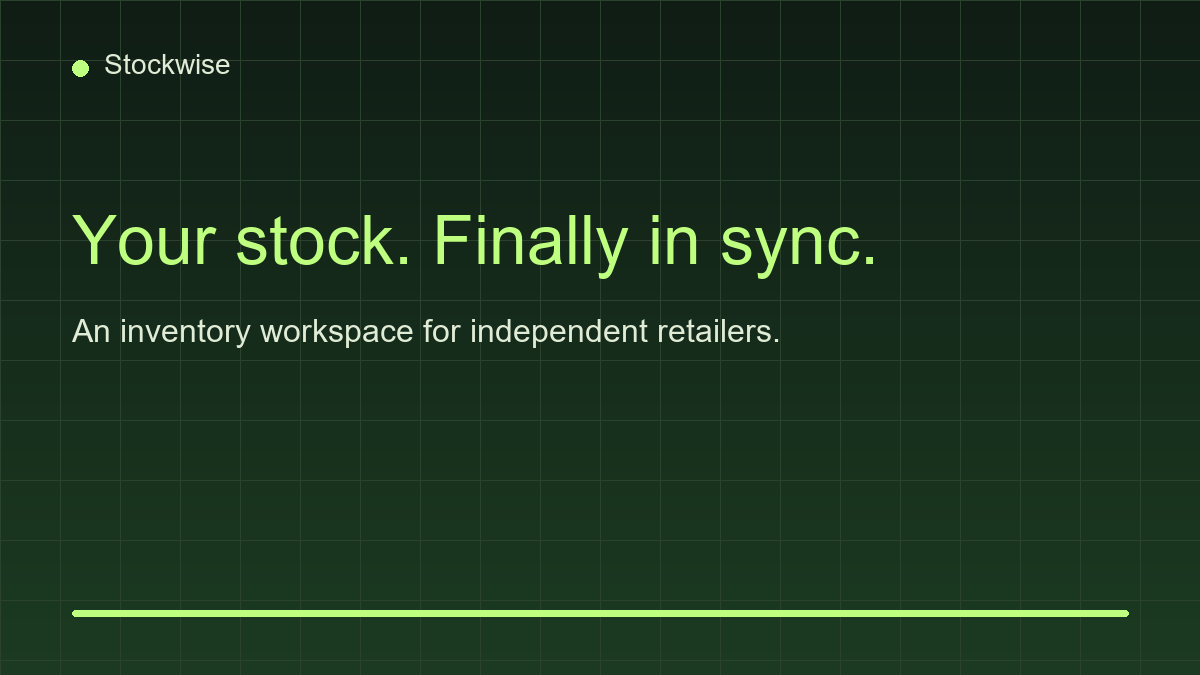
Yes. The example on this page is a rendered PNG for the fictional example brand Stockwise and can be downloaded.
Is this a photorealistic image generator?
No. It creates designed graphics. Supplied media editing uses computer tools; a generative image model is not currently configured.
Related workflows
AI marketing assistant for startup campaigns
Create positioning briefs, campaign drafts and launch content with an AI marketing chief. Use supplied business facts and review copy before publishing.
Draft LinkedIn launch posts and content plans from your business brief. Review claims and media, then approve publishing through a supported signed-in workflow.
AI-assisted startup promo videos with original music
Create short MP4 motion graphics with animated titles, captions and original synthesised music. Supply a brief, verify the video and download the file.